How to Build a Production AI Coding Agent in 2026
The reference architecture for a production AI coding agent in 2026 — planner, executor, sandbox, verifier — plus costs, frameworks, and lessons learned.
Introduction
In 2026, AI coding agents have moved from demo to production. Teams ship features where an autonomous agent picks up a Linear ticket, writes code, opens a PR, responds to review comments, and merges. This guide walks through the architecture that actually works in production — the patterns, the pitfalls, and the costs.
The Reference Architecture
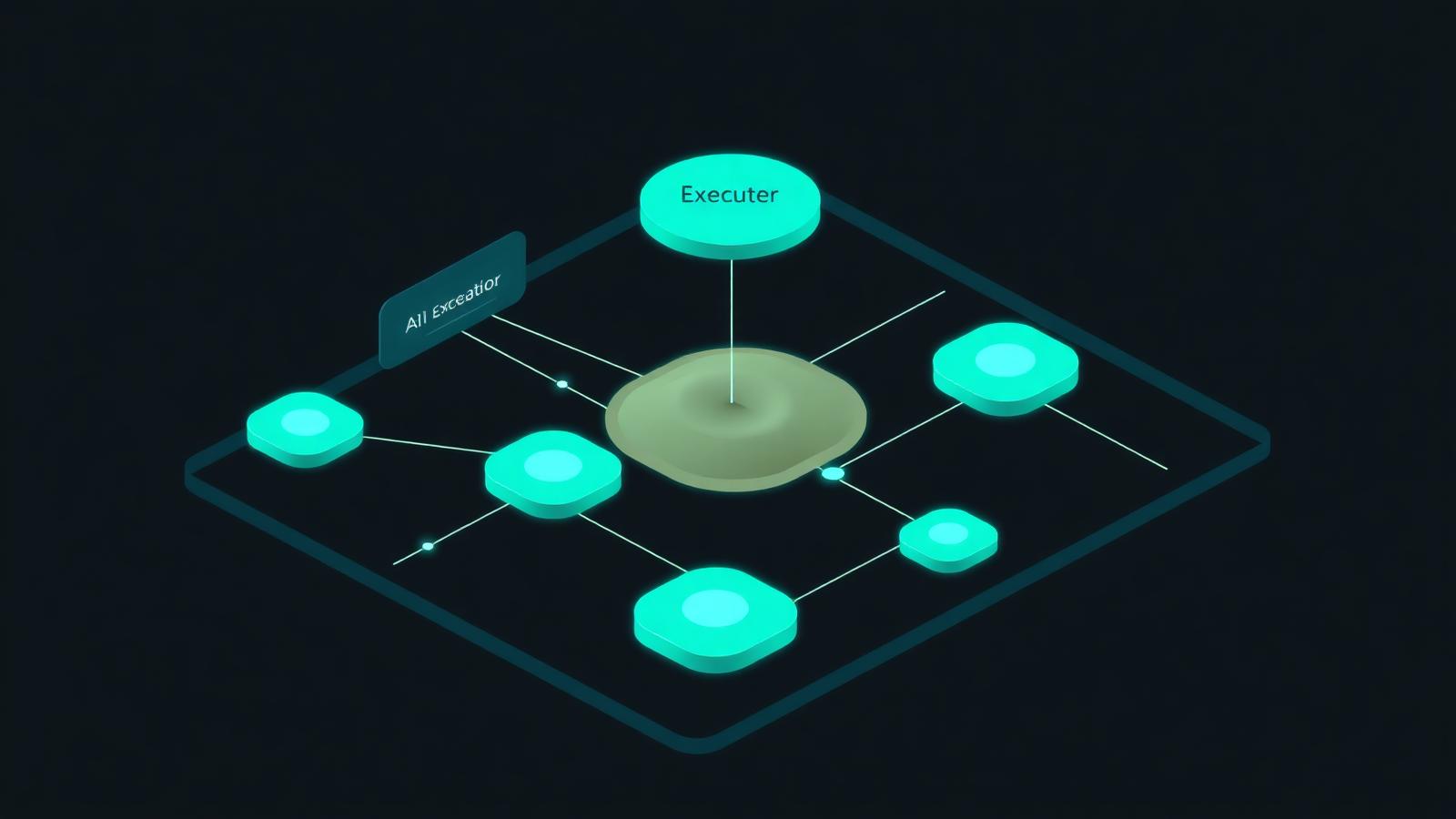
A production-grade coding agent in 2026 has six layers:
- Trigger — webhook from Linear, GitHub, or Slack
- Planner — a reasoning model (GPT-5 or Claude Opus) that drafts a step plan
- Executor — a fast model (Claude Sonnet, Llama 4) that runs steps
- Sandbox — an isolated container (Daytona, E2B, or Modal) where code runs
- Verifier — runs tests, linters, and a self-review pass
- Reviewer — a human, until you trust the agent on each repo
This separation is the secret. Mixing planner and executor blows up cost and reliability.
The Five Hard Lessons
1. Sandboxing is non-negotiable
Never let the agent execute on your production repo or developer machine. Use a fresh container per task.
2. Context is everything
Repo maps, dependency graphs, and a code search index (sourcegraph or zoekt) raise success rates by 40%+.
3. Self-review beats more model power
Before opening the PR, have the agent re-read the diff, run tests, and answer: "Would I approve this?"
4. Cost is a function of retries
Cap iterations. A task that costs $1 on first try costs $40 if you let it loop.
5. Humans stay in the loop
Even in 2026, full autonomy is reserved for low-risk repos.

Frameworks Worth Using
- LangGraph — flexible, low-level, good for custom workflows
- OpenAI Agents SDK — opinionated, fast to ship, OpenAI-locked
- Claude Agent SDK — best for code-heavy tasks
- Mastra — TypeScript-native, growing fast in 2026
For a broader picture, see our AI agents revolution deep-dive.
What It Actually Costs
A medium-sized engineering org (~20 devs, ~2k tickets/year) running a coding agent on 30% of tickets typically spends:
- Inference: $1,500–$4,000/month
- Sandbox compute: $300–$800/month
- Engineering time saved: equivalent to ~2 FTEs
The ROI is real, but it requires discipline.

External Sources
Key Takeaways
- Separate planner, executor, and verifier — do not stuff one model with all jobs.
- Sandboxes and iteration caps protect your wallet and your codebase.
- Production AI coding agents save real money in 2026, but only with the right architecture.

FAQ
Can the agent merge to main? Only on low-risk repos with strong CI. Most teams keep humans on PR approval.
Which model is best for the planner? Claude Opus and GPT-5 are tied as of mid-2026.
Do I need a vector database? Less than you used to. Repo maps + grep + structured search beat naive vector RAG for code.
Join the Conversation
Are you running a coding agent in production? Share your stack in the comments and explore more in our AI Coding Tools category.
Ad space — replace with your AdSense unit
Related articles

Best AI Coding Tools in 2026: Cursor, Copilot, Claude Code & Beyond
We tested every major AI coding assistant in 2026. Here's the definitive ranking of Cursor, GitHub Copilot, Claude Code, Cody, and Windsurf.
Cursor vs Windsurf in 2026: Which AI IDE Should You Actually Use?
A real-world 2026 head-to-head between Cursor and Windsurf — the two AI IDEs leading agentic coding. Speed, cost, and which fits your team.
Claude Code in Production: A 2026 Field Guide
How engineering teams deploy Claude Code in 2026 — patterns, costs, sub-agents, and where it shines vs Cursor and Copilot.